On this page
Reviewers stay in the document while the author switches between toolsTurn comments into revisionsWork through conflicting feedback togetherThe same pattern applies to design reviewsStart with a documentThe operations team and the agent put together a campaign plan, put it in a shared document, and invited the project lead, finance team, and product manager to review it together.
The project lead asked whether the campaign was meant to attract new users or encourage existing customers to buy again. Finance noted that the budget did not include the cost of discounts. The product manager pointed out that a feature in the registration flow was not yet supported. Each reviewer brought a different perspective to the same plan.
Discussions like this are common in companies. The first draft can be written quickly, but subsequent revisions require incorporating these suggestions into the proposal one by one.
Reviewers stay in the document while the author switches between tools
For reviewers, leaving feedback is straightforward. Select a paragraph, ask a question, and respond to colleagues in the comment thread. The discussion stays beside the text it refers to.
For the person in charge of the proposal, another task has just begun. They need to read through these comments, confirm which ones have already been resolved, organize the feedback, and send it back to the agent’s chat. Sometimes they also need to include the original paragraph to explain what a particular cost refers to or why a certain feature isn’t available at the moment.
After the agent makes the changes, the author has to copy them back into the document and check each one. If the project lead adds another comment, the author has to repeat the process.
The more participants there are, the harder it is to complete this task in one go. When authors switch between documents and chat windows, it’s easy to miss replies that have just appeared or to mistake suggestions that haven’t been fully discussed for final requirements.
Turn comments into revisions
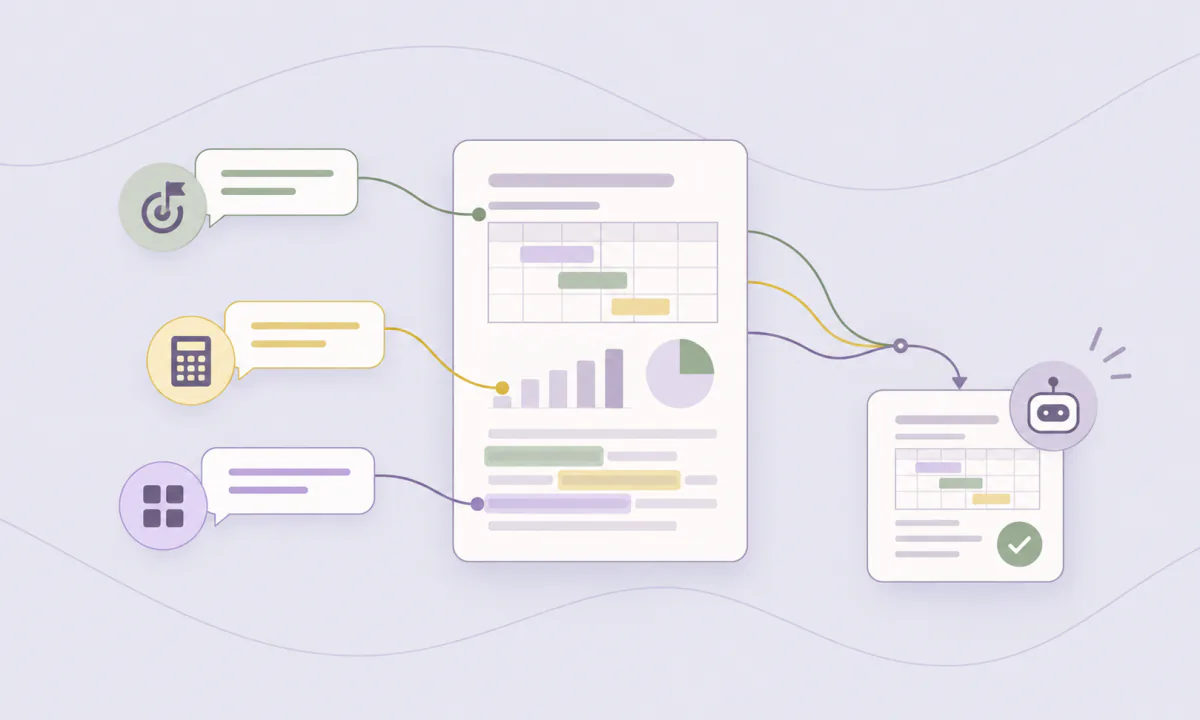
CoLand aims to send document feedback back to the agent conversation responsible for the plan, along with its source, location, and necessary context. The author does not have to keep copying comments and explaining where they belong.
When the connection is working, the agent is available, and its permissions allow it, the agent can act on the feedback. For example, if the finance team points out an overlooked expense, the agent can reorganize the relevant content based on the original budget and provide it to the finance team for further review.
The project lead and other reviewers can stay in the document. Everyone can see the revised draft and continue discussing the original issue. The author, meanwhile, can focus more on whether the campaign is feasible, whether all arrangements are consistent, and whether the revisions create other problems.
How quickly this happens depends on how the platform makes feedback available, whether the desktop app is online, and how the agent handles the request. CoLand reduces the work of passing feedback along; people still need to check the resulting changes.
Work through conflicting feedback together
The finance team wants to keep the budget low, while the operations team believes the marketing budget is already tight; the project lead wants to launch early, but the product manager is concerned about insufficient preparation time. Each of these viewpoints has its merits, and ultimately, trade-offs must be made based on the overall objectives.
Once feedback is automatically received, the agent can help fill in missing information, assess the impact, or prepare several comparable options. The decision on which goals to prioritize and which costs are acceptable remains with the person responsible for those matters.
This way, the person in charge can participate directly in discussions focused on the issues that need to be decided. Proposal authors can also devote their time to understanding disagreements, providing additional facts, and reviewing results, rather than spending time relaying information point by point.
The same pattern applies to design reviews
When the design team uses Figma, many of their comments rely on specific locations within the interface: “This button is too large.” “The hierarchy between the title and body text isn’t clear enough.” “The color here doesn’t match the rest of the page.”
When an agent helps produce a design, we want comments and their locations in Figma to return to the conversation responsible for that design, so the agent can revise it and submit a new version. Designers and reviewers can continue to view the screens and compare the actual results.
These are the scenarios we hope to expand into; integration with Figma is currently still in the planning stages. Node positioning, version linking, and whether the agent can reliably modify designs all require further implementation and validation.
Start with a document
The workflows described here use Feishu Docs, GitHub PRs, and OpenClaw. Check the desktop app for the integrations available in your version. Feedback delivery depends on the app being online, the required platform permissions, and the work being linked to a conversation. Start with a short campaign plan, invite one or two colleagues, and work through a round of feedback, revision, and review.
The campaign plan is just one example. Product descriptions, project plans, and external materials also undergo a similar multi-person review process. Keeping discussion and revisions alongside the work saves a round of copying feedback between tools and leaves more time to think through the changes.